
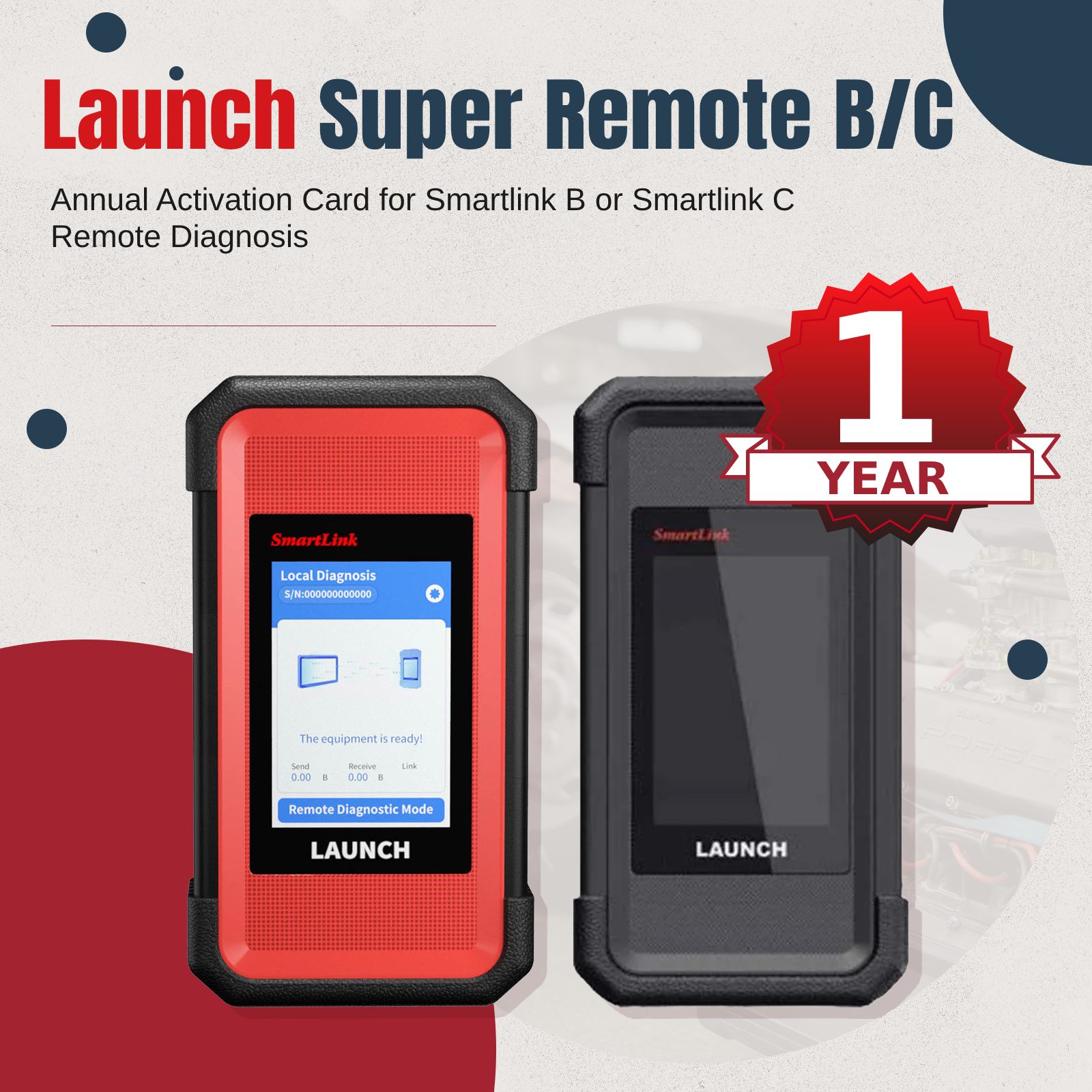
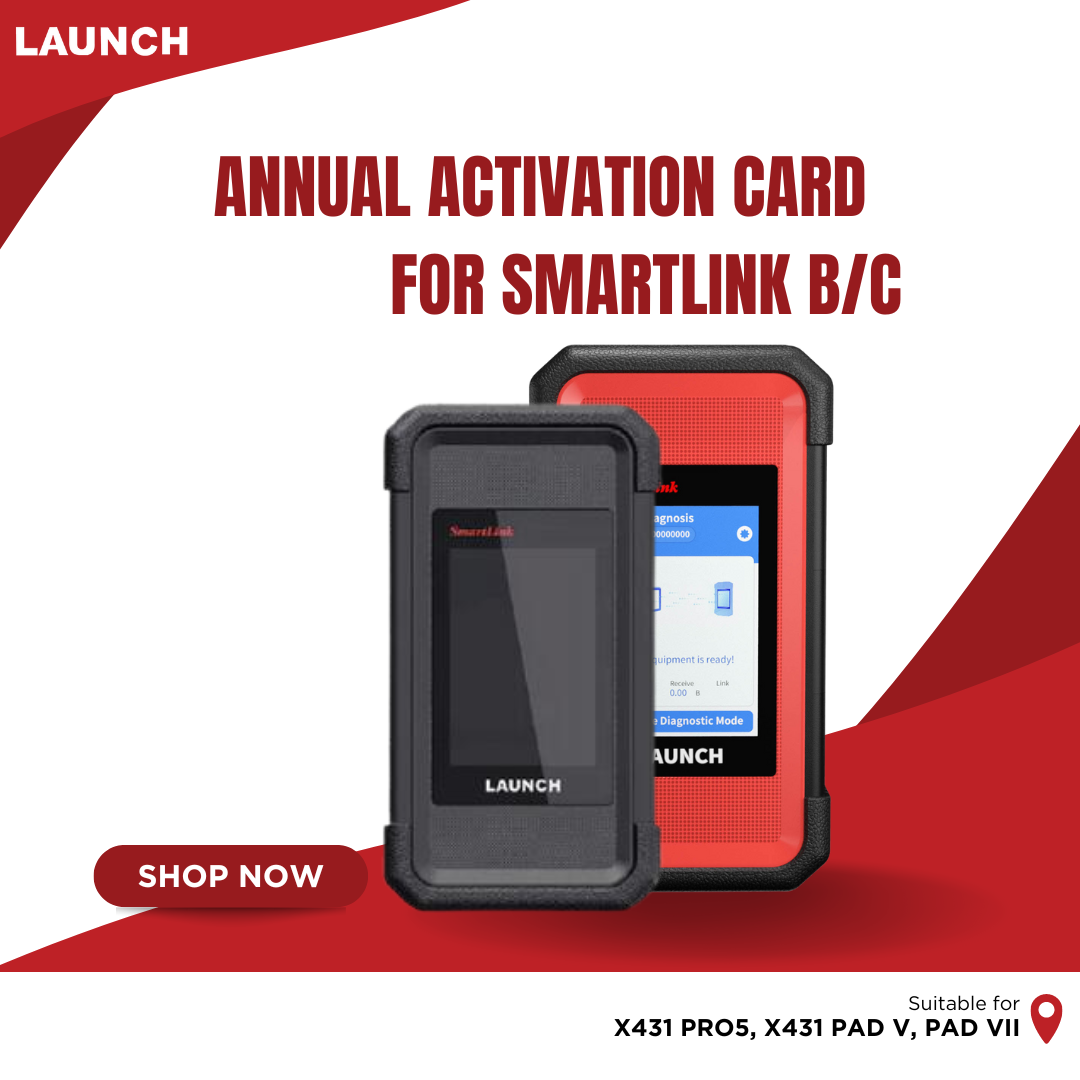
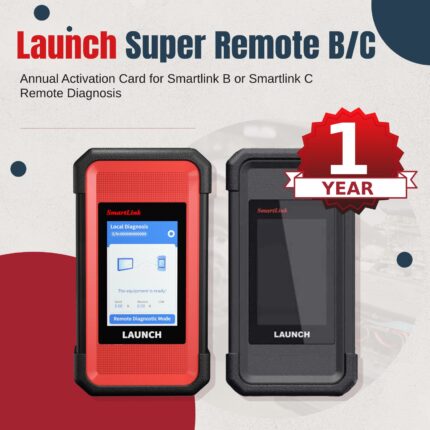
Annual LAUNCH Smartlink C Super Remote Activation License for X431 PAD V Elite, PAD VII Elite, PRO5, Smartlink C and Smartlink B
$349.99
Annual LAUNCH Smartlink C Super Remote Activation License for X431 PAD V Elite, PAD VII Elite, PRO5, Smartlink C and Smartlink B
Online activation service, no need real shipping! Not includes the device.
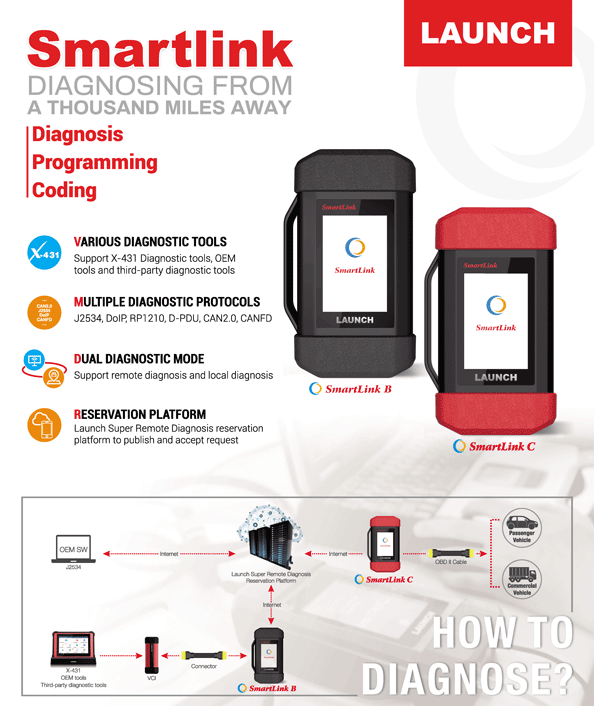
The SmartLink Remote Diagnostics System is a newly developed powerful service system dedicated to remote vehicle diagnosis and service. In this system, SmartLink B (Business), as a SmartLink Service Provider, can accept remote repair orders issued by SmartLink C users via SmartLink Service Platform. The SmartLink B applies to vehicles that comply with CAN/ DoIP/ CAN FD/ J2534 diagnostic protocol standard.
The SmartLink B system consists of the following two parts:
- SmartLink Service Platform – For binding the SmartLink B dongles and accepting the remote repair orders.
- SmartLink B Dongle – Works with the compatible diagnostic tool to perform diagnosis of the vehicle connected to the SmartLink C dongle.
Launch X431 SmartLink B Service Platform:
SmartLink Platform is used to pair the connection between SmartLink C and SmartLink B operated with the internet browser.
SmartLink C user can post the remote diagnosis request on this platform. SmartLink B user can see the requests from their clients and accept the request to do the remote diagnosis.
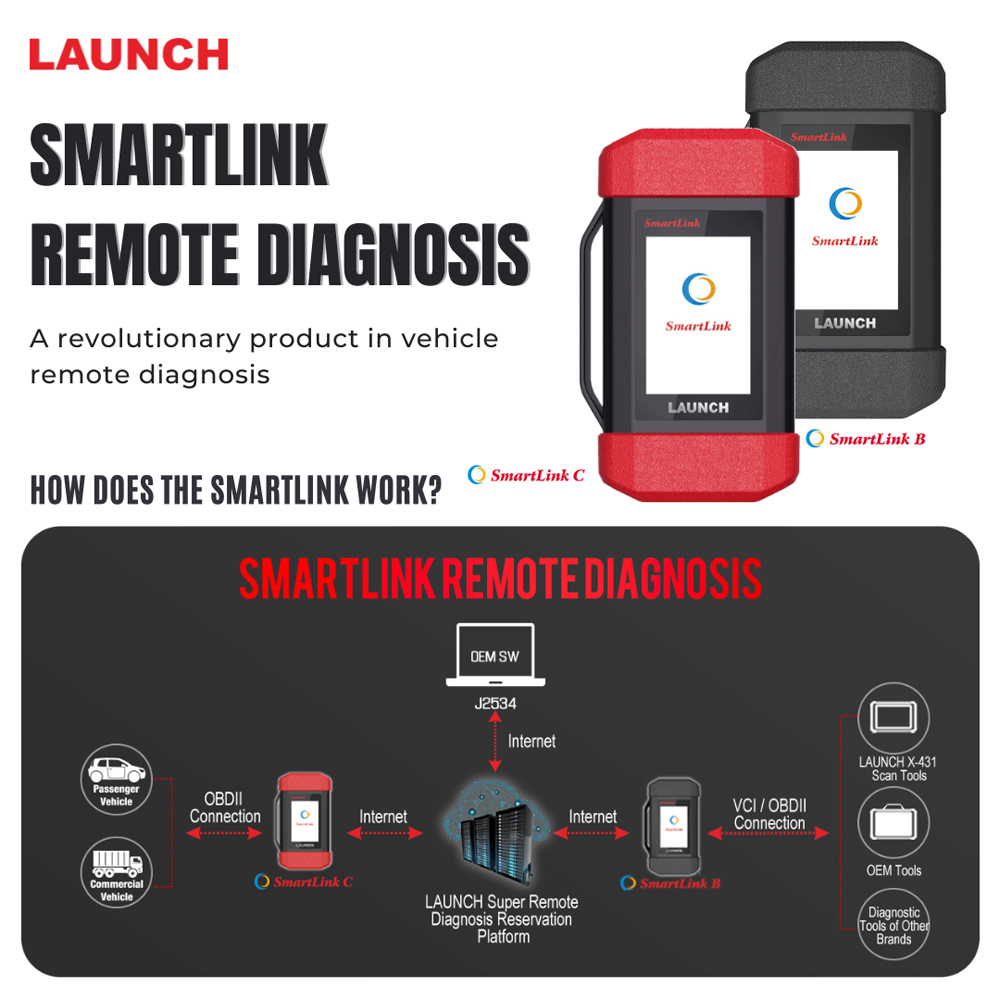
How Does the LAUNCH SMARTLINK REMOTE DIAGNOSIS WORK?
This picture may help you better understand the complete procedure of the Smartlink remote diagnosis.
Launch X431 SmartLink B Management Modes:
The service provider can select ONE of the two Management Modes:
The service provider manages the Smartlink C account status of the customer.
The service provider can activate the Smartlink C under his own account and manage the Smartlink C (post remote diagnosis request, license renewal) for the customer.
The customer doesn’t need to do anything on the platform, he just needs to contact the service provider and connect the Smartlink C hardware to the vehicle.
The customer manages the Smartlink C account status himself.
The customer can register his own user account on the SRDs platform and manage the Smartlink C (post remote diagnosis request, license renewal) himself.
The service provider can “Pre-bind” the customer’s Smartlink C, after “Pre-bind”, the customer’s request can only be seen by this service provider. No worry about other provider taking the customer.
NOTE: Each Smartlink can be activated only in one account.
Steps for SmartLink C Activation:
1. Log in http://smartlink.x431.com/
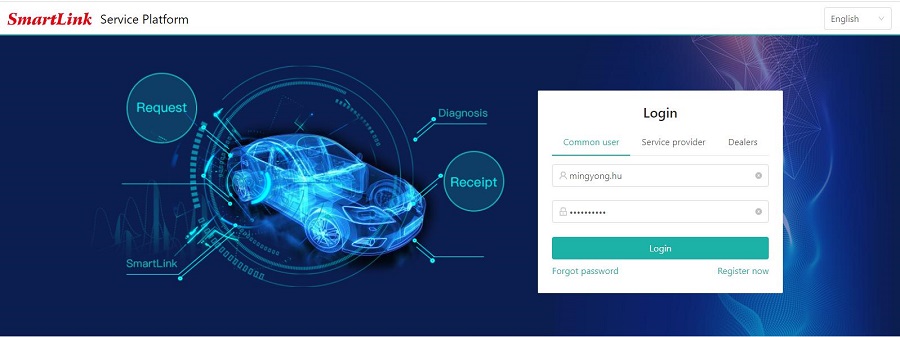
2. Select user type.
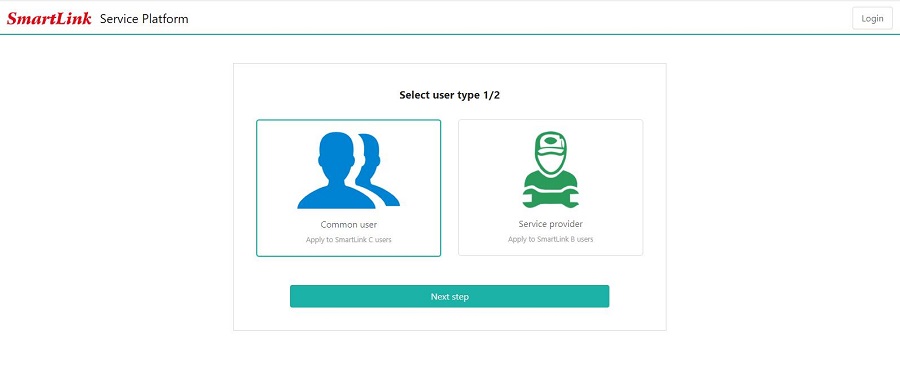
3. Fill in the registration information
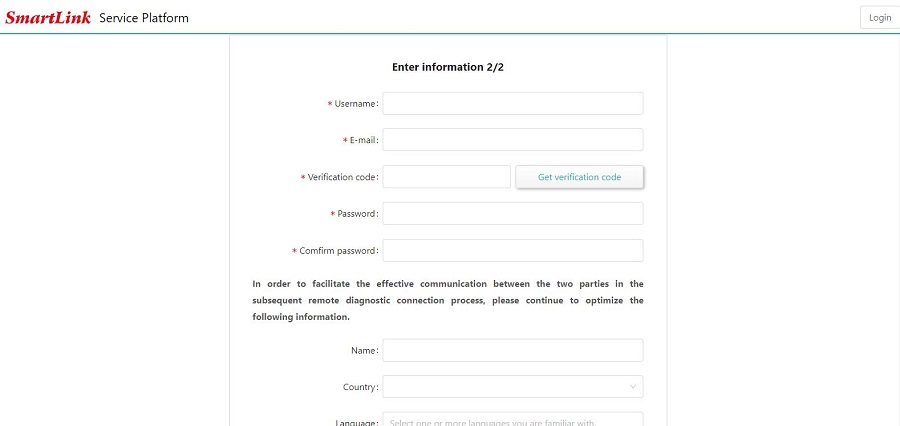
4. The binding and activation of the C-side, the serial number and activation code of the C-side are entered here.
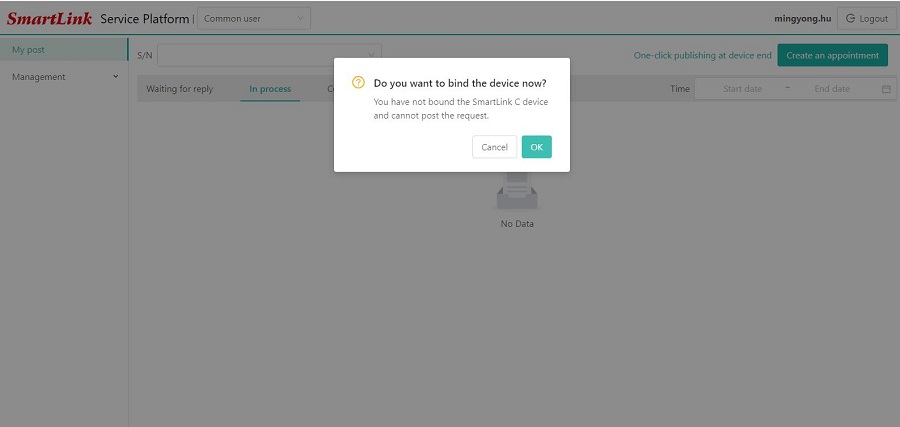
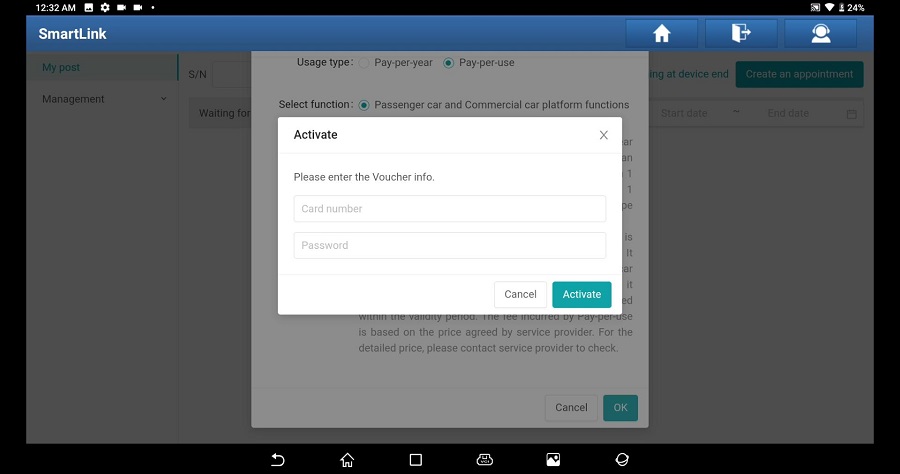
5. Enter the card number and password of the Smartlink C activation card.
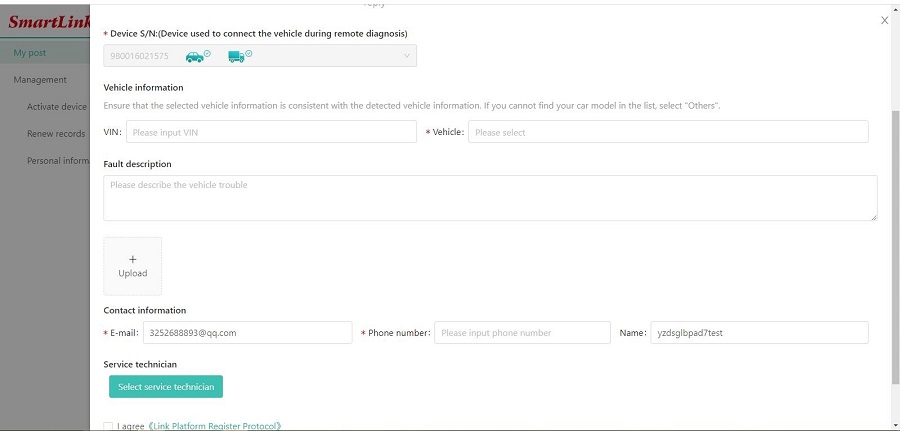
6. Enter vehicle information, contact information, etc., to submit an appointment.
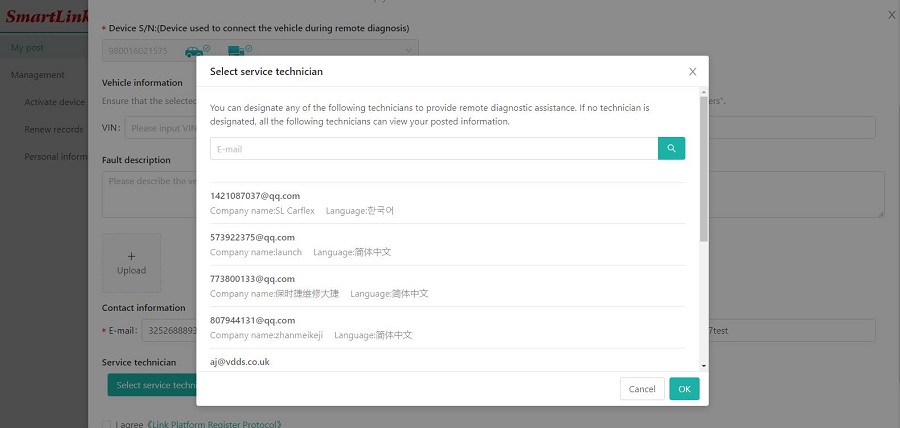
7. When choosing service technician, try to choose a service provider that you are familiar with.
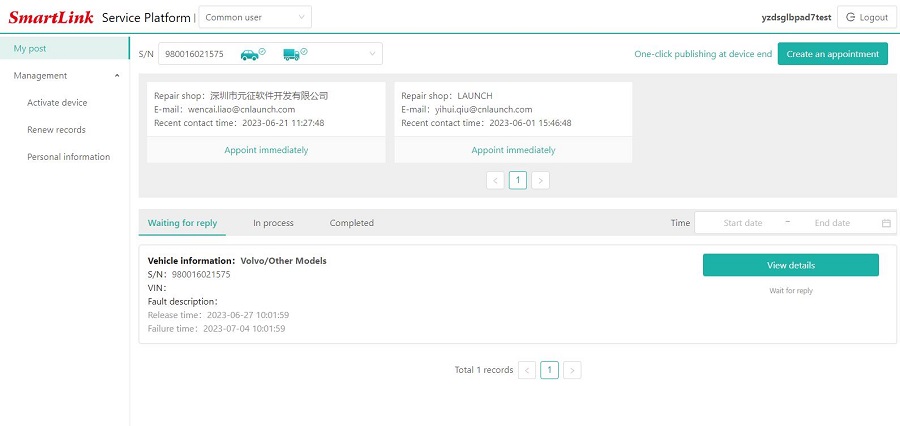
8. Wait for the service provider to contact you to negotiate the processing time, etc.
| Color | Beige, Black, Brown |
|---|
Reviews
Clear filtersThere are no reviews yet.